How to replicate Roam Research /tomorrow command in Obsidian
Use Templater.
Writing a script template.
In case you want to open the file after creating it (source):
const file = app.vault.getAbstractFileByPath(filePath)
app.workspace.activeLeaf.openFile(file);
Go into Obsidian > Community plugins > Templater settings, create a template hotkey entry for a templater template:
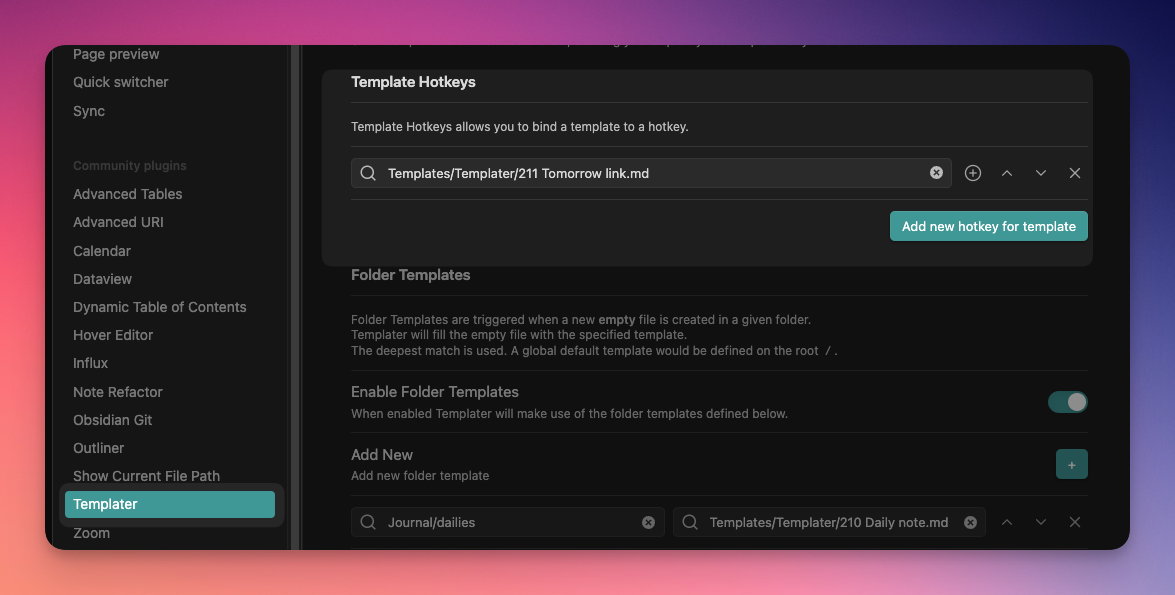
You don't have to specify a hotkey in the Hotkeys settings, just adding it from Templater settings will make it available as slash command.